Teams | Collaboration | Customer Service | Project Management

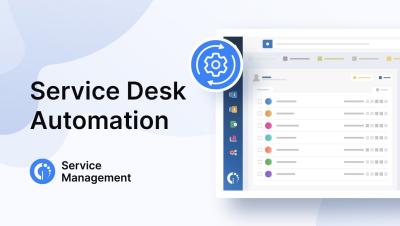
10 Service Desk Automation Ideas You Need to Apply ASAP

Help desk activities involve so many manual tasks that the job can quickly become tedious — leading to human error and high turnover. Service desk automation helps you avoid all that and allows IT support teams to focus on more complex and critical tasks. Some of the benefits that well-implemented automation can bring you include: Explore ten InvGate Service Management automation ideas in this video and boost your support efficiency!

Asana Announces AI Studio: No-Code Builder for Designing and Deploying AI Agents in Critical Workflows

Now, teams can create workflows where customizable AI agents perform specific jobs and take action on tasks across every stage of work - from intake and planning to execution and reporting.
Sponsored Post

3 Best Practices for Resource Utilization with Professional Services Teams

In professional services, efficient resource utilization is one of the most critical components of success. Whether managing consulting engagements, delivering client projects, or overseeing internal operations, ensuring that your team is used effectively can directly impact your bottom line. Mismanagement of resources can lead to missed deadlines, overworked employees, underused team members, and poor client satisfaction.

Concept map template: Use concept mapping to organize complex ideas

Concept maps are visual representations of information that help keep ideas organized and easy to understand. The different types of concept maps can help you visualize concepts and processes or illustrate systems. Depending on the complexity of what you're mapping, you can either use concept map templates, draw your maps by hand, or use mapping software for more advanced projects.

How to Write Effective Action Items: Guide + Template

Meetings provide a platform for organizations to discuss everything that needs to be addressed, reviewed, and decided, from daily operations to long-term strategies. They help boards and teams stay updated on where everyone is with their current projects and ensure that each member stays aligned with the organizational goals. Needless to say, regular huddles are a way to keep the team engaged and involved. But what happens after the meeting?

How I build better software with UML diagrams in Miro

Join René Kann, Software Engineer at Miro, as he uses Miro to build software with his team. Learn how he centralizes work with Miro boards for documentation and task tracking, visualizes processes with UML diagrams, and uses handy tools like Layers and Miro AI to communicate better with his team and speed up testing workflows. This video has translated captions in the following languages.