Teams | Collaboration | Customer Service | Project Management

Slack School | Get Started with the Slack CLI

Building custom automations in Slack might sound like a whole to-do, but it's actually a breeze. In this episode, we’ll demystify your developer environment and walk you through your new toolkit: VS Code, Homebrew, Slack and Salesforce CLIs. You'll leave with a perfectly prepped workspace and the confidence to start launching code like a pro. Class dismissed!

Slack feature drop: Too hot to context-switch

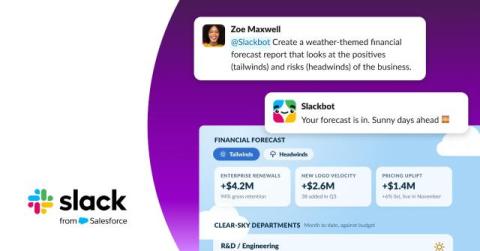
Summer has a way of clarifying what actually matters. You want to spend time out in the sun, not wasting time bouncing between apps to get your work done. This June, we shipped across every layer of Slack. Slackbot learned to remember you, reach your whole tool stack, speak your language and turn your data into something you can actually see. Direct Messages and the sidebar got easier to navigate.

The Shift to Multiplayer Work: Say Hello to Slackbot's MCP Client

Think about the five apps you can’t do your job without. Now count how many of them talk to each other. If you’re in sales, your deals live in one tool, your contracts in another, your decks in a third. If you’re an engineer, your tickets, your incidents and your code reviews are three different tabs. Every one of those apps got an AI assistant this year. None of them got any closer together.

slack school ep25 your work os with cursor v02 1080p

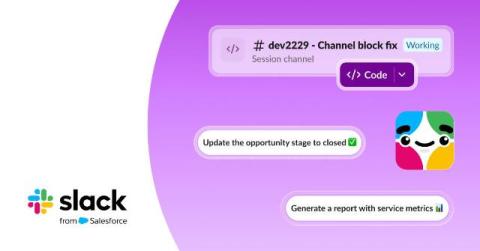
Slack is great at connecting you with your teammates, but that’s not all it connects you to. In this episode, we’ll show you how to use Slack as a true operating system for work. You'll learn how to bring everyday tools like GitHub and AI agents like Cursor straight into your channels so they can track down bugs and open pull requests right from Slack. Sound good? Good. Class dismissed!