The OneDesk April 2022 Update: What's New and What's Changed
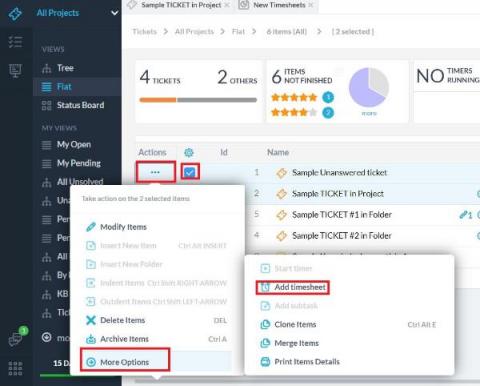
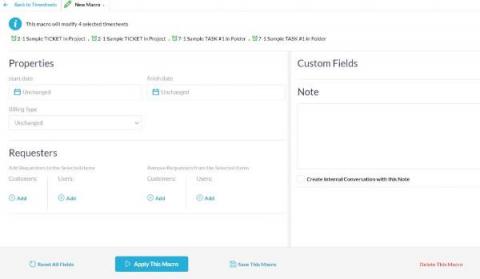
The OneDesk April 2022 update went live on April 22nd, 2022 and brings many new features, including a total revamp of the Mobile Friendly OneDesk (MFOD), macros on timesheets, and more.


The OneDesk April 2022 update went live on April 22nd, 2022 and brings many new features, including a total revamp of the Mobile Friendly OneDesk (MFOD), macros on timesheets, and more.
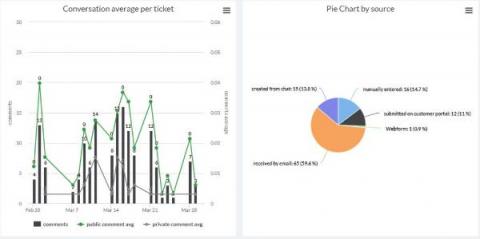
KPIs or Key Performance Indicators, are measurements that determine how well your organization is meeting its goals and objectives. KPIs are crucial to making data-driven decisions for your business. KPI dashboards provide a single screen of useful charts and graphs to easily measure your progress and performance. As such, when determining what KPI charts to use, consider your industry focus, project planning methodology, and business goals.
Whether the end-users you serve are from within your company, or whether they are external clients, OneDesk will work for you. However, you will need to configure OneDesk in slightly different ways to achieve the best workflow. This article will tell you what quick settings to make to fine-tune your setup for serving internal vs. external end-users.
The analytics dashboard in OneDesk can be used to quickly view performance indicators and relevant charts for your organization. This dashboard can be configured to easily show the charts and date ranges which are most relevant to you and your business.
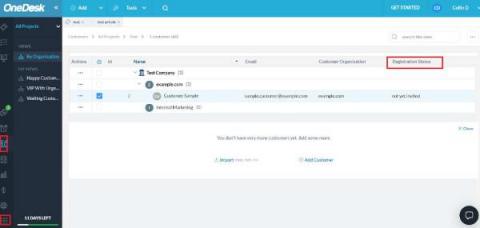
The OneDesk Customer Portal provides an easily accessible space for your customers to submit tickets and view the status of their items which your team is working on. To get started with the Customer Portal, customers must first be created in OneDesk and invited to register on the portal.
Custom fields in OneDesk are a powerful tool to include as much information on an item as you need. There is now a dedicated custom field editor, as well as conditional custom fields which will only appear when certain choices are chosen from existing fields.