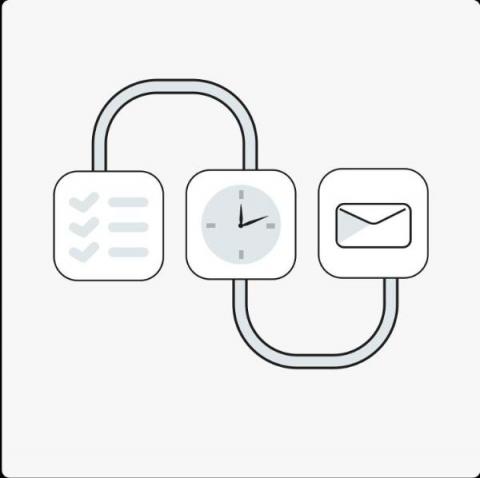
OneDesk’s workflow automations are a powerful tool, allowing for deeply customizable ways to streamline your workflow. One useful process is the ability to update the lifecycle status of your tickets or tasks when subtasks within them have their lifecycle status updated.
OneDesk’s workflow automations are a powerful tool, allowing for deeply customizable ways to streamline your workflow. Another useful workflow automation is updating an item’s successors when the predecessor item’s lifecycle changes.
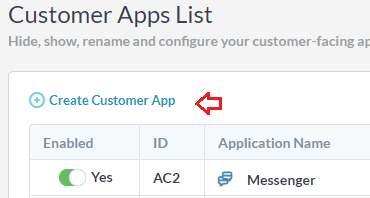
The widget provides a simple, one-off integration with your website. Once integrated, you can configure the widget from your OneDesk without any additional updates to your website. The widget gives customers access to several customer applications, displayed as tabs within the widget.
Tickets can be auto-forwarded from your support email to a OneDesk ticket creation email. When this happens, a ticket is captured in OneDesk containing the subject of the email, the email’s body, and any attachments in the email. Additionally, if the requester’s email address being captured does not yet exist as a customer record in OneDesk, they will be automatically added into the database.
Aside from the default layouts, custom views allow you to display your data in unique, dynamic ways. Custom views are available in all the main OneDesk sections: tickets, tasks, projects, timesheets, customers, users, and analytics. You can easily view what you want in the way you want. You are also able to share your favourite views with others on your team. To start creating custom views, click the My Views icon. Views consists of the following options: Layouts, Filters, and Groupings.