Teams | Collaboration | Customer Service | Project Management

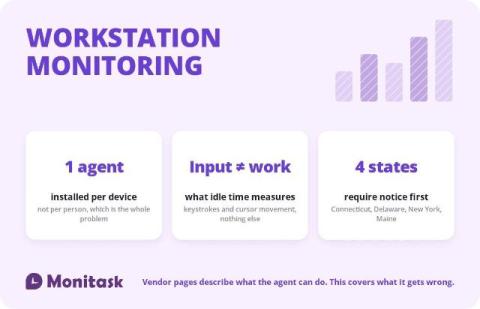
Workstation Monitoring

Workstation monitoring is the device-level layer of employee monitoring: a software agent installed on a computer that records application and website use, active and idle periods, and optionally file events and screenshots. Every product page in this category explains that the agent is lightweight, deploys by Group Policy and keeps recording when the machine is offline. All true.

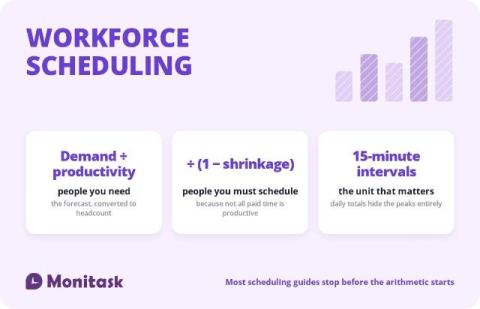
Workforce Scheduling

Workforce scheduling is the process of matching staffing to demand across time, within a labour budget and whatever rules apply to your workforce. Every article on the subject agrees on that definition, lists the same components, and then moves to software. The part that decides whether a schedule works is quantitative, and three numbers do most of the work: Miss the second one and you will be understaffed by roughly a quarter every single week while your headcount looks correct on paper.

How ARM Creative runs full-service marketing campaigns with Asana AI

At ARM Creative, a single campaign can span broadcast TV, over-the-top (OTT) ads, radio, Spotify, paid social, display, and retargeting—all running at once, each with its own deadlines, specs, and approvals. It used to be that campaign updates lived in email threads, while feedback was scattered across Slack and inboxes. Without a shared system, it was difficult to see whether a deliverable was approved, in progress, or falling behind.

What are Teamwork.com AI credits and how do they work?

Teamwork.com is introducing AI credits. If your first question is “what’s this going to cost me?”, the short answer is that your credits come included with your plan, at no extra cost. Your plan price stays the same, and most of the AI you use day to day doesn’t use credits at all. What changes is how the bigger jobs you hand to AI are covered, like asking Ask AI for a report or having an agent prepare a client update.

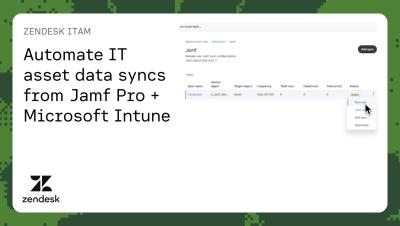
Automate IT asset data syncs from Jamf Pro + Microsoft Intune | Zendesk ITAM

Zendesk has added Jamf Pro and Microsoft Intune as data sync sources. Admins can sync computers and mobile devices from Jamf Pro and managed devices from Intune, into Zendesk IT Asset Management on a recurring schedule. In this demo, you’ll learn how to set up data sync with Jamf Pro, including a new user-friendly setup flow with AI-assisted field mapping. Keep your IT asset data accurate and up to date in Zendesk automatically to give agents the context they need to improve employee service experience.

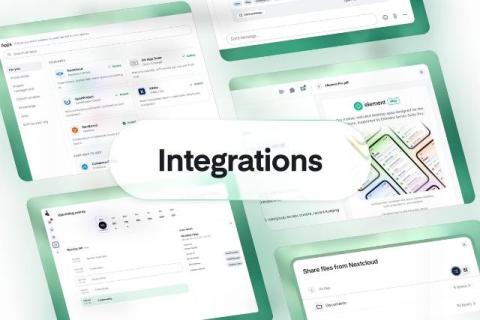
Smoother collaboration with integrations

People do their best work in a state of flow, when they can move from a conversation to a document to a task without breaking their train of thought. That puts the onus on productivity vendors to make their tools work together seamlessly. Customers running sovereign stacks tell us exactly that. As one put it: "It isn't a problem that the apps are named different things, or that they're made by different vendors.

Video Communication for Distributed Teams: Match the Tool to the Conversation

Distributed teams don’t usually struggle because they lack video communication tools. The real challenge is knowing which tool to use for the right conversation. A quick question can easily turn into a 30-minute meeting, a company-wide announcement can become an unnecessary 400-person video call, and the same product walkthrough may be explained live multiple times when a single recording could do the job. The solution is to match the communication format to the purpose of the conversation.