Teams | Collaboration | Customer Service | Project Management

The latest News and Information on Time Tracking, Timesheets and related technologies.

Aux Time Explained: What It Is, How to Calculate It, and How to Reduce It

Aux time is one of those metrics that every contact center tracks but relatively few manage with precision. The number sits in dashboards, gets flagged during reviews, and shows up in WFM reports. But without a clear picture of what is driving it, aux time stays a symptom rather than a signal. This guide covers the definition, the formula, the benchmarks, the causes, and the practical steps you can take to get it under control.

Workstatus Updates v6.17: Resource Utilization, Client Portal Phase 2 & Smarter Project Workflows

Your projects are moving. Your teams are working. But do you have complete visibility into resource utilization, client collaboration, and project execution? In this release, Workstatus introduces powerful new capabilities designed to help organizations improve planning, collaboration, and operational visibility. In this video, you'll see: Whether you're managing projects, resources, clients, or operations, these updates help teams make better decisions, improve collaboration, and stay aligned across every stage of delivery.

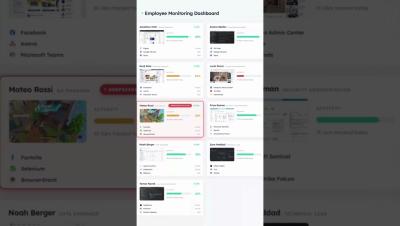
Why Employee Monitoring Fails to Solve the 30% Margin Leakage Problem?

Have you ever given a thought to why project margins keep reducing even when everyone is busy? This is because being busy doesn’t guarantee equal results. Employee monitoring can tell you who is working and for how long, but it fails to tell where time, effort, and profits are being lost. In this blog, you’ll explore why employee monitoring fails to solve the 30% margin leakage problem and how service businesses should switch to productivity intelligence instead. Let’s go!!

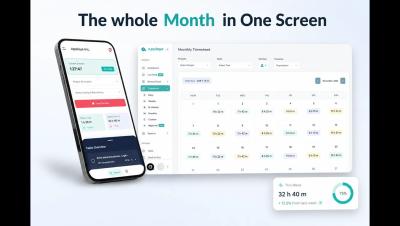
Automated time tracking: how it works and why your team needs it

Every professional services team I've been part of has had the same argument at some point: "Why aren't timesheets getting done?" Before I joined Teamwork.com, I spent years managing delivery for agency teams. The answer was always the same. Manual time tracking is painful, so people avoid it. Automated time tracking fixes the root cause by removing the manual work entirely. This guide breaks down how it works, what methods are available, and how to choose an approach that actually sticks with your team.

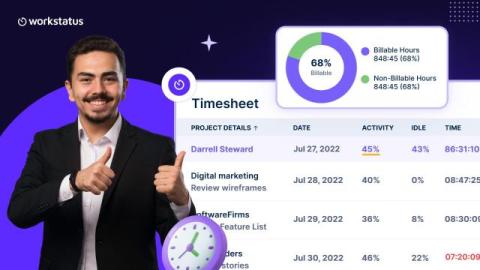
What is a timesheet? Meaning, uses, and how it works

When your team works, those hours need to be tracked so employees get paid correctly, clients get billed accurately, and you know how much a project actually costs. A timesheet is just the tool that makes sure those hours don’t get lost. Many businesses don’t take it very seriously. They either guess the time, use lump-sum timings and track it manually, but it is risky. When companies guess or use messy paper tracking, they make mistakes.

Workforce intelligence platform: What it is, how it works, and what to look for

Most managers already know something is off. The team looks busy but keeps missing deadlines, a project that ran over hours with no clear reason why, a star performer who quietly disengages before anyone notices. All of this can be explained and the data for it already exists. It’s sitting in your attendance system, your project tracker, your calendar, your timesheets. The issue with this data is that it is spread across tools that never talk to each other.