
Teams | Collaboration | Customer Service | Project Management

Customise Your Dashboard in Flowace: Add or Remove Widgets

Learn how to add and remove widgets on your Flowace Dashboard, so it shows the views you want, using Manage Widgets. Open Manage Widgets, look through the Add a Widget panel, and add or remove a widget with one click. In this video: Chapters: Names, apps and values shown in this video are examples. Set them to suit your company policy. Need help? Write to [email protected].
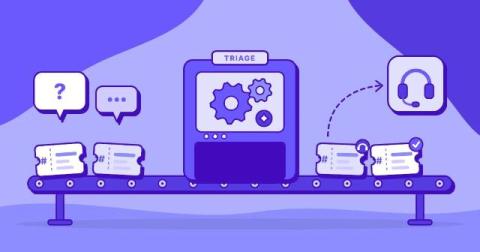
AI Agents for Employee Service: 5 things to look for | Zendesk

About this video: What should you look for in AI agents for employee service? This video covers five criteria to evaluate: knowledge coverage, permissions and security, ability to take action, channels and integrations, and measurable outcomes and cost. Learn how AI agents differ from chatbots and portals, and how they can support employee requests across HR, IT, and onboarding—from answering benefits questions to submitting time-off requests and coordinating account setup. You’ll also see why human handoffs, clear permissions, and a focused first workflow matter when choosing an agent.

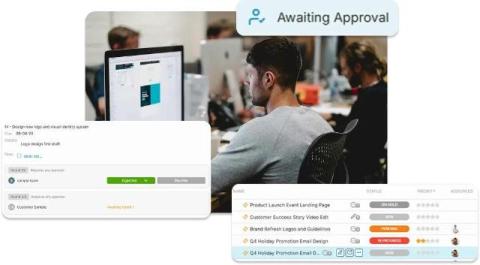
Client Portal for Agencies: Requests and Project Status in One Place

A client portal for agencies is a secure, branded space where clients submit requests, track status and progress, message your team and share files, without a single “just checking in” email. The best ones sit on top of your project and service management system, so what the client sees is pulled from the same tasks, timesheets and tickets your team already works in.

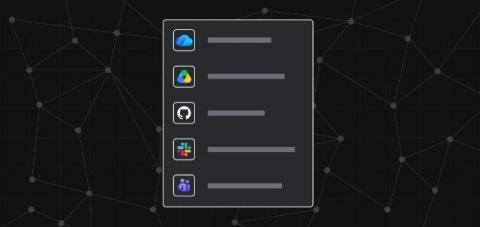
Supercharge the Teamwork Graph with People Context

Every piece of work your teams do has people behind it. The Jira issue has an assignee. The design doc has an author. The pull request has reviewers, and the Slack thread has the people deciding what happens next. The Teamwork Graph already connects that work across Atlassian and the tools you connect to it. But until it knows who those people are, it is missing the thread that ties everything together.

How We360.ai Helped a 300+ Employee Digital Marketing Agency Solve Workforce Challenges

See how a 300+ employee digital marketing agency used We360.ai to address workforce visibility, missed deadlines, security risks, and digital distractions. Explore the real challenges, rollout process, operational changes, and lessons other digital marketing agencies can apply.

The 7 Best Employee Attendance Tracking Software

When employees show up for work late, leave early, or call in, it has ripple effects on your business. Work doesn’t get done, productivity wanes, and your revenue starts to suffer. Without attendance tracking software, it can be hard to identify the root cause of these issues and hold employees accountable for showing up for work when they’re supposed to. In this video, we’re reviewing the seven best employee attendance tracking software, covering the unique features each platform offers and which types of teams and use cases they’re best for.

The 9 Best Employee Time Tracking Apps (And Who They're Best For)

The right time tracking app can help you prevent time theft, catch billable hours that would otherwise go unbilled, spot inefficiencies before they eat into your margins, and simplify payroll. But it has to fit the work your team does. An app built for salaried knowledge workers probably won’t suit hourly construction crews, and a tool designed for a single retail shop won’t hold up for a franchise with dozens of locations.

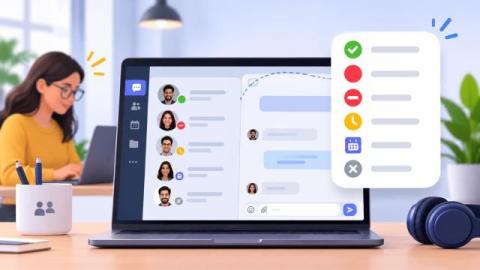
Status Icons in Team Chat: Small Symbols That Protect Focus

Remote teams are unable to look over a room to see who is occupied. That is now done by a small symbol beside a name. When the symbol is obvious, co-workers avoid unnecessary pings and guard the attention of one another. When vague, people have to guess, and that is super time-consuming. Let’s look into common status icons and the importance of labels. So, keep reading to learn how a team can create its own simple legend.