We're back with another Ask Me Anything (AMA) session, this time with our CTO Rodrigo Nascimento! He will be answering your questions live and discussing current developments, product launches and much more.
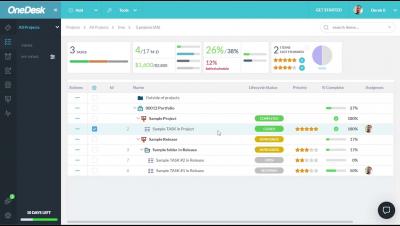
This video shows you how to create teams for your users in OneDesk. It covers how to add users to one or more teams and how to use the teams to add followers and assignee's to tickets, tasks and projects.
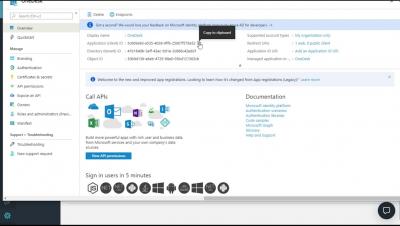
This video shows how to provide single sign on to your custoemrs allowing them to log into your OneDesk customer apps using their existing credentials. This video demonstrates creating this SSO integration using OpenID Connect and Microsoft Azure Active Directory.
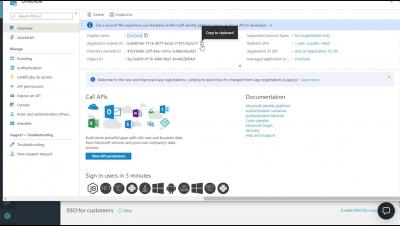
This video shows how to provide single sign-on to your users allowing them to log into your OneDesk customer apps using their existing credentials. This video demonstrates creating this SSO integration using OpenID Connect and Microsoft Azure Active Directory.
Team Collaboration - like never before... Instant Messaging, Video Call, Video Conferencing, File Sharing, Desktop Sharing, Work Schedules and Projects on Troop Messenger - The Unified Business Communication Platform
A look at Mattermost’s upcoming Incident Response Workflows app, now in private alpha. The app is designed specifically for incident response and enables teams to connect all your workflows, automate repetitive tasks, and collaborate on incidents—all without leaving Mattermost.
It allows the team member/user to chat in private within a stipulated time period. The user can select the desired timer option and start a one-to-one conversation with the recipient. It is essential that your recipient should accept your burnout request to initiate it. A separate burnout window is opened to start the chat. The Burnout chat conversation gets deleted automatically once the timer expires or when the user explicitly terminates along with the burnout chat window.