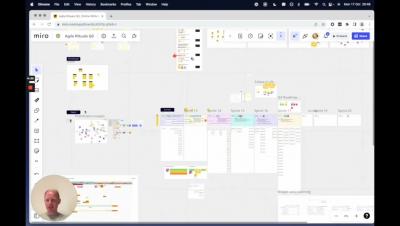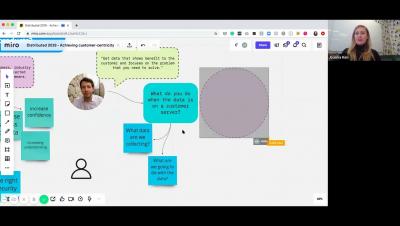
Join our Jovonee King to learn Miro’s features and capabilities in one intensive session. You’ll also learn how to navigate your board, add content, and share it out with your team.
In collaboration with digital optimization system Amplitude, we discuss how and why the pandemic has been a period of rapid growth, change, and learning for both our companies. Join us for an in-depth analysis of product organization in the time of COVID-19.
In this VMUG, we partner with Eli Bogdan, who’s leading global offering and partnerships with startups and the tech ecosystem, nonprofits and other strategic initiatives at Fiverr. In this webinar, you'll learn how to set your startup up for success via the art of delegation. As a founder, you are swamped with work. You can't do it all yourself, and you shouldn't have to.
You start with one board with one frame. But as the project progresses, your Miro board explodes. Too many frames, too little structure. And all the while, you created multiple other boards for workshops, feedback, etc. Not to mention you have to find information on large boards set up by others. Miguel Cabral Guerra of CataWiki shows us how he tackles the challenge.
Every Miro template is just a start — capture, structure, and evolve your ideas quickly with our ready-made collaborative templates (or you can even make your own).
Now you can use Miro’s whiteboard within Zoom, giving you the magic of meeting, brainstorming, and problem-solving — anywhere. In this video, we’ll show you the basics of using the Miro app for Zoom. Want more Miro in your feed? Please LIKE and SUBSCRIBE. You can click the bell to get notified about new videos.
Now you can use Miro’s whiteboard within Zoom, giving you the magic of meeting, brainstorming, and problem-solving — anywhere. Want more Miro in your feed? Please LIKE and SUBSCRIBE. You can click the bell to get notified about new videos.
Miro empowers teams to create the next big thing by providing the best solutions for collaboration. We understand that teams include people of different backgrounds, experiences, and access needs — so we strive to give everyone an opportunity to collaborate. Starting today, Miro is becoming more accessible with our first major accessibility feature update.
Add Miro as a tab to a Webex Messaging team space to bring seamless visual collaboration into Webex without toggling between tools. Add Miro directly from your Webex App.