Teams | Collaboration | Customer Service | Project Management

How to Track Productive and Unproductive Time in Apploye

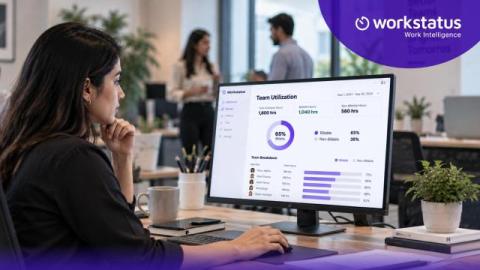
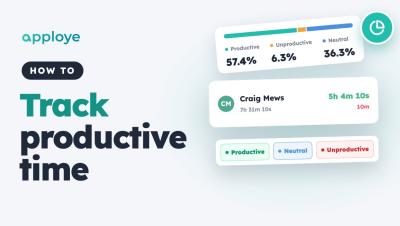
Learn how to track productive and unproductive time in Apploye: open the Productivity report, see how each member's time splits into productive, unproductive and neutral, check every app and website they used, and set the rules — default levels, exceptions for one person, and your own apps.


Your Team Is Busy. But How Much of That Time Is Actually Billable?

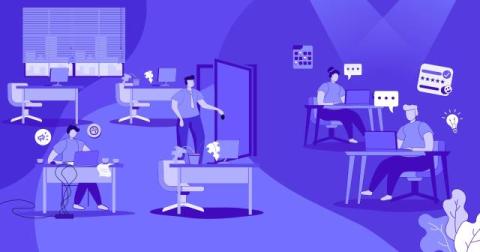
Your delivery team looks fully loaded. Timesheets come in complete. Projects are running. Nobody is sitting idle. Then the month closes, and the margin on a client project lands below plan. Nothing obvious went wrong. The team worked hard. The client got the work. Still, the numbers do not match the effort. This happens because a full day and a billable day are two different things.

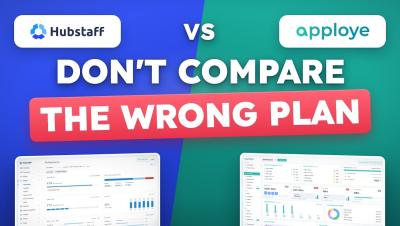
Hubstaff vs Apploye: 90% people choose wrong

For a 10-person team, Apploye costs $540 a year and Hubstaff Team costs $1,200. Count Apploye's free owner seat and Hubstaff's Insights add-on after its 90-day trial, and the gap is $1,014 a year. Here is Hubstaff vs Apploye side by side: pricing, the plan most people compare by mistake, daily use, and where Hubstaff is the better buy. Made by the Apploye team. We have tried to keep it fair: every Hubstaff price is from Hubstaff's own pricing page and support docs (linked below), and if you manage field teams that need GPS or geofencing, we tell you to buy Hubstaff.

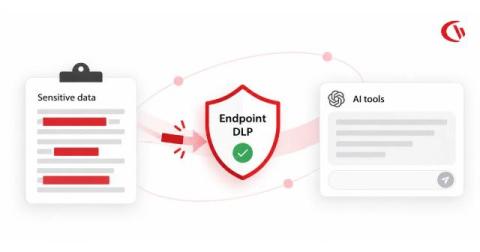
How to Prevent Sensitive Data Copy-Pasting into Generative AI Tools: Endpoint DLP Best Practices

Generative AI has transitioned from a novel innovation to a critical workplace productivity tool. Employees are rapidly adopting various generative AI tools, including Microsoft’s Copilot, ChatGPT (OpenAI), Claude (Anthropic), etc., to code, summarise, interpret, answer questions, and accelerate tedious business processes.

Workstation Monitoring

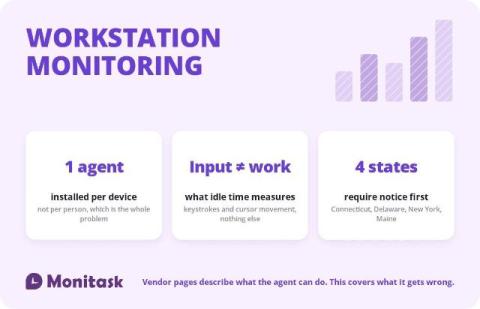
Workstation monitoring is the device-level layer of employee monitoring: a software agent installed on a computer that records application and website use, active and idle periods, and optionally file events and screenshots. Every product page in this category explains that the agent is lightweight, deploys by Group Policy and keeps recording when the machine is offline. All true.