Teams | Collaboration | Customer Service | Project Management

Meet Odie - Your Personalized AI Assistant for Customer Support

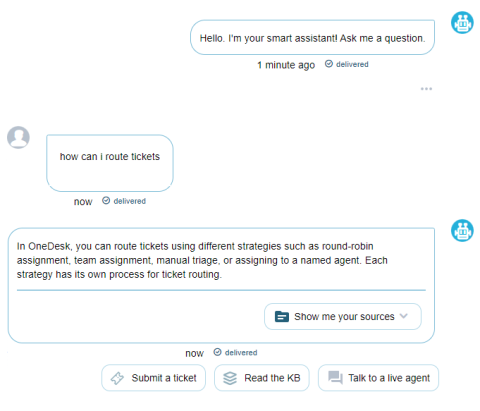
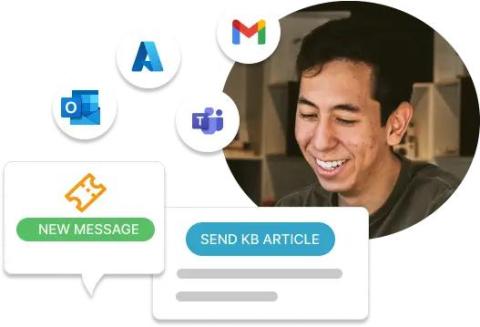
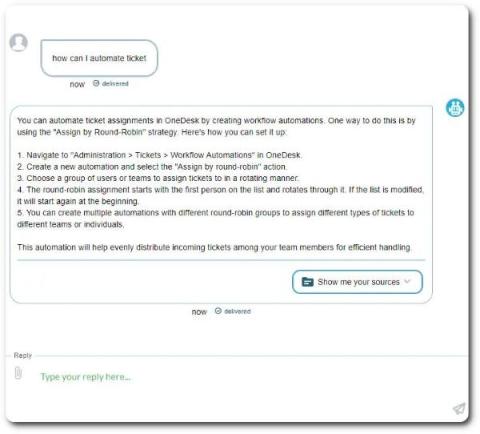
OneDesk's generative AI assistant powered by GPT. The AI assistant can support your customers and assist your agents. The AI's knowledge is based on your own company's content including articles, canned responses, and previous agent replies. OneDesk combines Help Desk, Project Management & Professional Services Automation software into a single application. OneDesk also includes customer-facing applications: real-time chat, customizable webforms, and a customer portal. These integrated applications allow you to serve your customers while conveniently working on your projects in one platform.
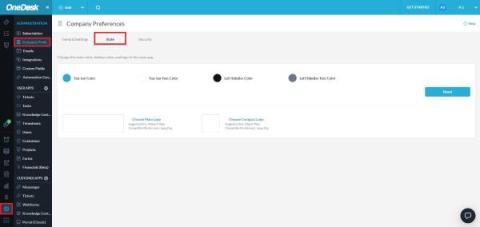
Styling & Whitelabeling Your OneDesk App

Want to configure the appearance of your OneDesk app to fit your company or preferences? Premium and Enterprise members of OneDesk can now White Label their web application via the Style tab in Company Preferences. To access this feature, navigate to More Applications > Administration > Company Prefs. > Style. Here you can change the colors as well as the logo that appears for users of your OneDesk account.

Introducing: Odie OneDesk's AI Assistant

The March 2024 release of OneDesk has brought an exciting new feature — Odie the Ai-powered assistant! Odie (‘OD’) is a Chat-GPT-like AI tool integrated with OneDesk’s messenger and customer-facing applications. The AI uses advanced and modern technology such as large language models (LLMs) and generative AI to make suggestions, generate replies, and answer customer queries. Odie is a personalized assistant, meaning its answers are trained on your own content.

Help Desk for Education - Why You Need One and What to Look For

When thinking of a help desk, the immediate association often leans towards IT teams or businesses dealing with customer inquiries. However, the utility of a help desk goes beyond these realms, proving valuable for any organization handling requests or inquiries. A help desk for education can help streamline requests no matter where the requests come from. In educational institutions, a help desk serves dual purposes.

OneDesk - Understanding Lifecycle Statuses

Learn about lifecycle statuses for tickets, tasks, and projects in OneDesk. How to configure your statuses. The difference between lifecycle status and state. OneDesk combines Help Desk & Project Management software into a single application. OneDesk also includes customer-facing applications: real-time chat, customizable webforms, and a customer portal. These integrated applications allow you to serve your customers while conveniently working on your projects in one platform.
OneDesk - Quoting

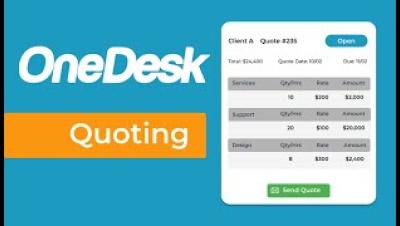
Quote for your services based on project templates. Send quotes directly from OneDesk then convert accepted quotes to invoices. OneDesk combines Help Desk & Project Management software into a single application. OneDesk also includes customer-facing applications: real-time chat, customizable webforms, and a customer portal. These integrated applications allow you to serve your customers while conveniently working on your projects in one platform.
New in OneDesk: November 2023

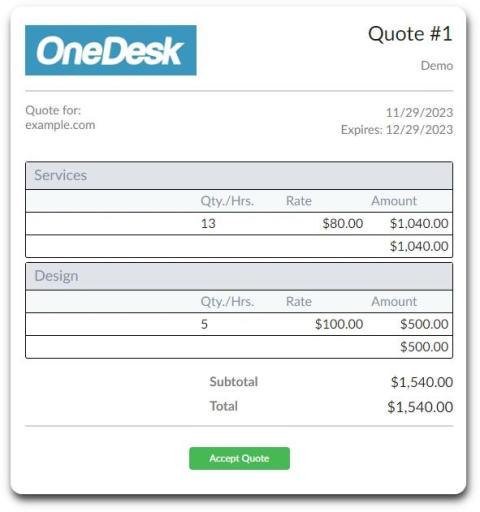
OneDesk now offers the ability to issue Quotes for the work you do for clients. These quotes, once accepted, can be turned into invoices. If you are using QuickBooks Online, you can even get paid. There are a lot of details to unpack in these features, but here are some of the highlights: There’s so much more to say about the Financials features in OneDesk. We will be writing articles and blog posts with a lot more info in the coming weeks.

Strategies for Agency Time Tracking

Agency time tracking refers to the process of monitoring and recording the amount of time that an agency and their employees spend on client projects and tasks. Agency is a broad term encompassing businesses such as: government agencies, marketing agencies, and creative services. In today’s blog we’ll look at some strategies to implement and utilize time tracking in an agency setting.