Aside from the default layouts, custom views allow you to display your data in unique, dynamic ways. Custom views are available in all the main OneDesk sections: tickets, tasks, projects, timesheets, customers, users, and analytics. You can easily view what you want in the way you want. You are also able to share your favourite views with others on your team. To start creating custom views, click the My Views icon. Views consists of the following options: Layouts, Filters, and Groupings.
Your team needs IT in Help Desk Software in handling tickets, resolving issues, and managing assets. The software plays a significant role in satisfying customers and ensuring efficiency in service delivery. It applies automation and customized workflow. It does all you need on its own, and you do not require to sort tickets or search for different assets manually. You’ve got the confidence to attend to other issues as the help desk is running itself.
OneDesk includes automated email templates to assist you in communicating with your users and customers. These email templates are completely customizable – you can edit the existing templates as you see fit, or create entirely new templates to suit your needs. Automations can then be applied to utilize your templates, allowing for a streamlined communication process for your organization.
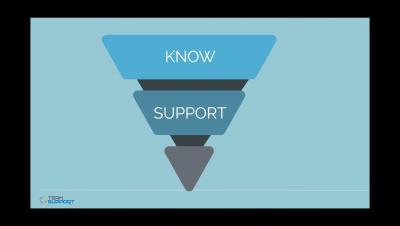
How are customer success and customer experience different? If you don’t know the answer to this question, you’re certainly not alone. The two concepts are often confused because there are some similarities and overlaps. Though they’re both customer-centric roles, customer success and customer experience teams perform distinct functions.