Teams | Collaboration | Customer Service | Project Management

OneDesk - Getting Started: Sharing with Customers & Customer Organizations

You can share tickets, tasks and other items with your customers, keeping them informed and allowing you to collaborate with them on their requests. OneDesk combines Help Desk & Project Management software into a single application. OneDesk also includes customer-facing applications: real-time chat, customizable webforms, and a customer portal. These integrated applications allow you to serve your customers while conveniently working on your projects in one platform.
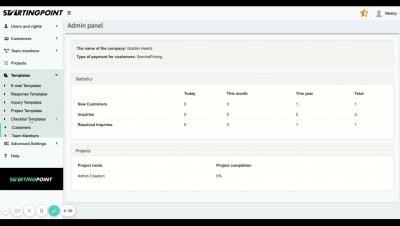
How to Create a New Task List or Checklist Template for Team Members | StartingPoint

In this video, we show you how to create checklist templates for team members to remember their day to day tasks within StartingPoint for your team members. StartingPoint is a workflow management platform for service-focused companies and teams. Our platform helps companies retain customers, save money by using less software, save time by centralizing information and data, and improve operational efficiency through simple workflow to make sure nothing falls through the cracks for your customers and your team members.

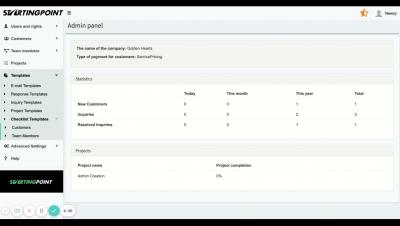
How to Create a New On-boarding or Checklist Template for Customers | StartingPoint

In this video, we show you how to create an on-boarding or checklist template to have an easy way to complete tasks within StartingPoint for your customers. StartingPoint is a workflow management platform for service-focused companies and teams. Our platform helps companies retain customers, save money by using less software, save time by centralizing information and data, and improve operational efficiency through simple workflow to make sure nothing falls through the cracks for your customers and your team members.

How To Create New Project Templates | StartingPoint

In this video, we show you how to create project templates to have an easy way to initiate projects within StartingPoint for your team members. StartingPoint is a workflow management platform for service-focused companies and teams. Our platform helps companies retain customers, save money by using less software, save time by centralizing information and data, and improve operational efficiency through simple workflow to make sure nothing falls through the cracks for your customers and your team members.

How Zendesk Does Knowledge Management

On Thursday, June 17th, at 11:00 am CST, the self service team shared how Zendesk drives success with our internal Knowledge Management practices and how we use technology to help organize, capture and leverage institutional knowledge and information. Allowing us to structure our content and promote self service by making information easily accessible.

OneDesk - Getting Started: Saved Replies

OneDesk’s Saved Replies allow you to store pre-written responses to use in conversations. OneDesk combines Help Desk & Project Management software into a single application. OneDesk also includes customer-facing applications: real-time chat, customizable webforms, and a customer portal. These integrated applications allow you to serve your customers while conveniently working on your projects in one platform.
OneDesk - Getting Started: Tracking Performance

OneDesk lets you track and monitor your workers’ performance and activities. OneDesk combines Help Desk & Project Management software into a single application. OneDesk also includes customer-facing applications: real-time chat, customizable webforms, and a customer portal. These integrated applications allow you to serve your customers while conveniently working on your projects in one platform.

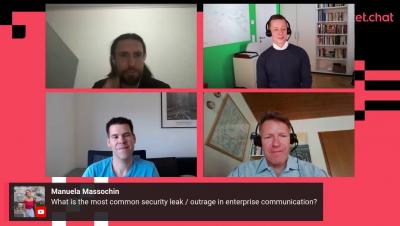
Hybrid Work and Enterprise Communication Trends

⚡ With the emergence of remote and hybrid work, workplace communication has become top concerns for organizations across the world. 👉 Join our world-class speakers Marius Neidlinger (Rocket.Chat), Markus Kirsch (Rocket.Chat), Oliver Jägle (DB Systel) and Henning Dransfeld (ISG) to talk about the future Enterprise Communication.

OneDesk - Getting Started: Chart Widget

OneDesk’s ticket and task applications include a helpful and visual chart widget at the top. This widget allows you to easily monitor who is working, on what, running timers, progress updates, and more. OneDesk combines Help Desk & Project Management software into a single application. OneDesk also includes customer-facing applications: real-time chat, customizable webforms, and a customer portal. These integrated applications allow you to serve your customers while conveniently working on your projects in one platform.