Transform your business with DeskTrack—the ultimate workforce intelligence platform for modern, data-driven teams focused on accountability and growth.
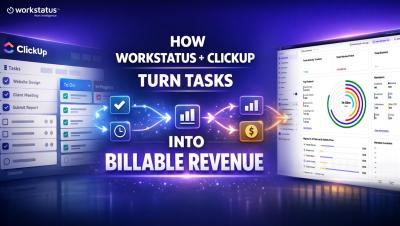
Your team completes tasks every day. But why does billing still feel complicated? Because clients don’t pay for tasks. They pay for verified billable effort. This is where the ClickUp + Workstatus integration changes everything. Now every task includes: ClickUp defines the work. Workstatus validates the effort. Stop losing revenue between execution and billing. Turn task completion into defensible invoices with Workstatus.
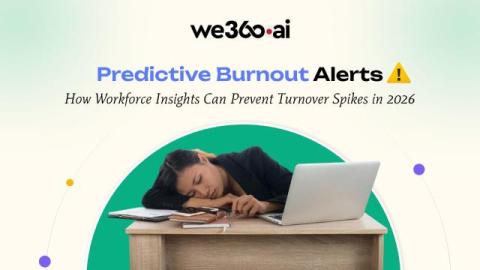
Most leaders don’t lose employees because of poor intent or weak culture. They lose them because burnout goes unnoticed for too long. By the time an employee resigns, the warning signs have usually been visible for months—long hours, declining focus, irregular work patterns, quiet disengagement.
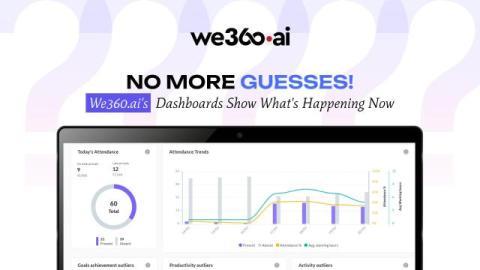
In the complex world of business, leaders are constantly striving for clarity. We make strategic decisions, allocate resources, and set ambitious goals, often relying on a blend of experience, intuition, and historical data. But what if you could move beyond educated guesses and truly see what’s happening within your organization, right now?
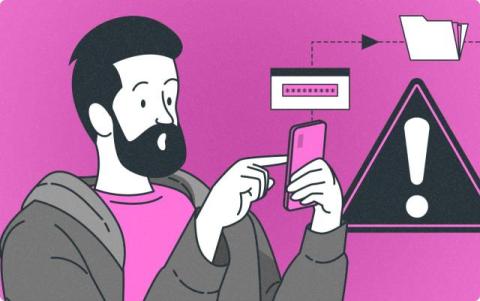
They’re not working. They’re gaming the system. Mouse jigglers are becoming the quiet productivity killer no one wants to talk about. These tools mimic activity on screen, which keeps status lights green and dashboards falsely lit up. All of this happens even when someone is nowhere near their workstation. And most employee monitoring software won’t catch it.
Most dashboards show data. Charts, numbers, percentages. But they don't show how work actually happens — or where your margins are quietly leaking. If you're leading an IT firm, agency, BPO, or field ops team, this video is for you. In this video, you'll see.
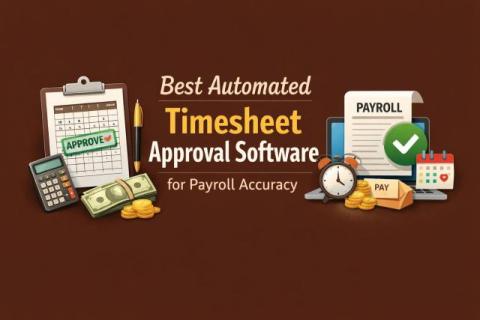
If you are looking for the Best Automated Timesheet Approval Software, you are not simply trying to track hours. You are trying to fix a payment issues with a system that makes your payroll week calmer. As you know, payroll errors rarely start at the final processing stage. They start with incomplete time entries, unclear approvals, manual edits, and disconnected spreadsheets. By the time payroll runs, you are chasing managers for confirmations and hoping the totals are right.
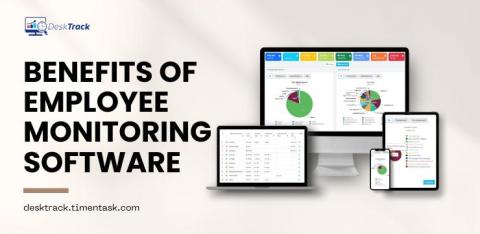
Employee monitoring is becoming a standard practice in many organizations, driven by the growth of remote work and the rise of advanced surveillance tools. These technologies allow employers to track a wide range of activities—from measuring productivity to safeguarding company assets. While the goals may vary, monitoring often sparks concerns about privacy, trust, and the overall workplace atmosphere. For employees, the idea of being under surveillance can be unsettling.
Employee monitoring software is essential for tracking productivity and ensuring workplace efficiency, especially with remote teams. However, some employees may use tools like mouse jigglers to trick the system into showing them as “active,” even when they are away from their workstations. These devices can undermine your efforts to maintain a productive and secure work environment but detecting and addressing their use with the right strategies can be simple.
Every organization has workflows that could work better, faster, or cheaper — but figuring out where to focus is the hard part. Knowing how to identify process improvement opportunities is the difference between companies that adapt and those that stagnate. Whether you’re dealing with bottlenecks in production, bloated approval chains, or rising customer complaints, the ability to pinpoint and fix what’s broken is a core competitive skill.