Teams | Collaboration | Customer Service | Project Management

Collaborating To Help Teams Work Better In The Modern Workplace



Slack's Customer Success Podcast: Episode 4 - Internal Comms
Finally here, our fourth episode! For today’s episode we have Emily Zwecker, Senior Manager of Internal Comms here at Slack. In this episode Emily shares a lot of knowledge and some great tips, to help Internal Comms teams to work through Slack in a way that is more simple, more pleasant and more productive.
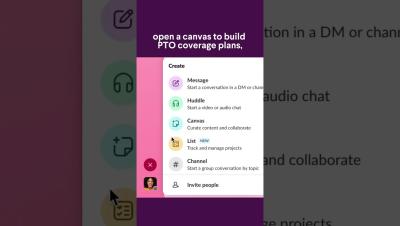
3 Ways to use Slack Canvas #SlackTips
There’s no better time to broaden your horizons. In fact, you might even ride off into the sunset with all the time you save by using canvas this year.

Tips & Tricks for Slack canvas editing
Learn how to jazz up your Slack canvases with.

Slack Canvas Introduction & Use Cases
Learn more about the two types of Slack Canvases, and how canvas can be used for onboarding, project management, development teams, and newsletters.

How to summarize conversations with Slack AI
Learn how to use Slack AI to summarize a conversation or an entire channel.

How to find answers faster with Slack AI
Learn how to use Slack AI to find answers across your workspace.

How to use Slack AI to recap what you've missed
Learn how to use Slack AI to recap important activity and updates across your company.