Teams | Collaboration | Customer Service | Project Management

Professional services software integrated with QuickBooks

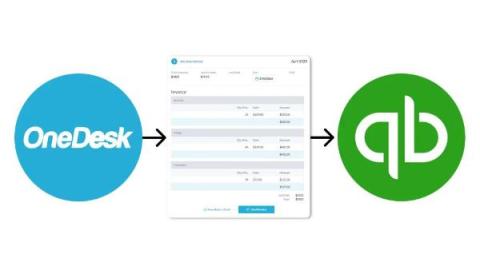
Professional Services Automation (PSA) software enables your business to easily and accurately log time, plan client projects, and provide continuous client support. With a QuickBooks integration, you can sync data from the PSA tool easily. For example, you can generate invoices from time logged within your PSA tool, then send over those invoices right to your QuickBooks account. This way, information is easily synced between systems and your business can be paid accurately and on-time.

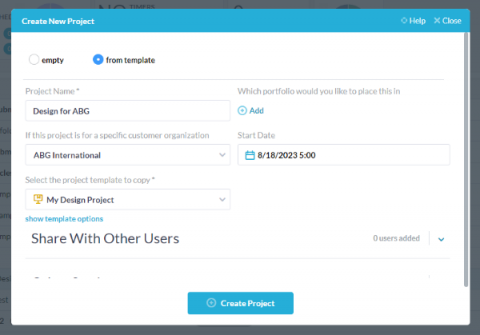
Using Project Templates

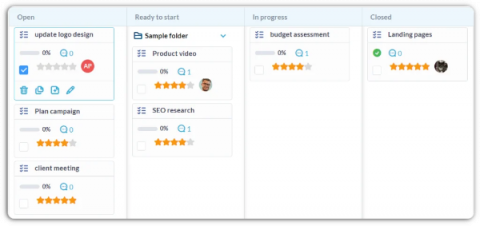
Many businesses deliver services or projects for their clients which often follow a similar flow. Projects of this nature can encompass a wide variety of procedures or services such as web design projects, marketing campaigns, or onboarding procedures. Let’s take the example of a design project. The standard procedure is similar each time with tasks that include things like wireframes, mocks, prototypes. No matter the web design project, it probably includes these tasks.

Canned Responses for Help Desk

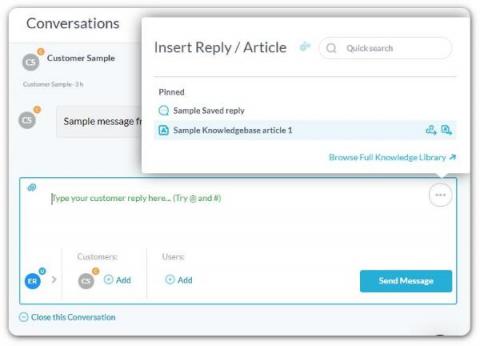
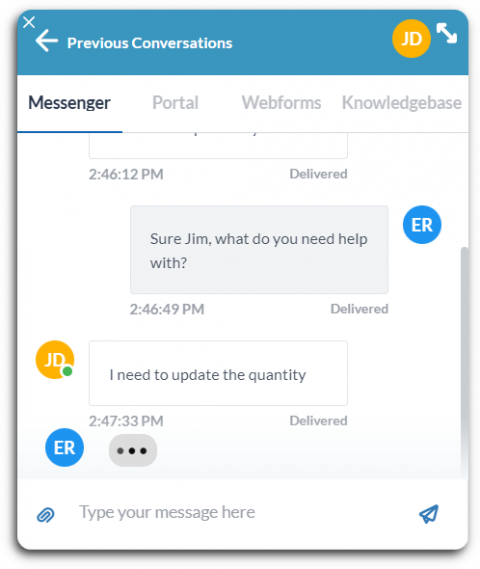
Canned responses are a must-have tool for any help desk system. Canned responses are pre-written responses you can use to reply to questions and issues received from your customers. Canned responses can make your agent’s life easier and save your company time and money. When done effectively, canned responses can also boost your customer support. In today’s article we will go over canned responses, their benefits, as well as examples and best practices for using them.

12 Must-Have Features of PSA Software

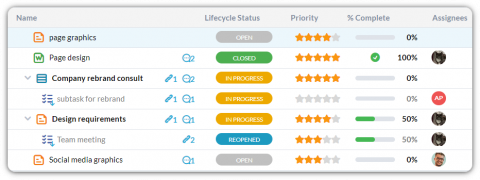
In today’s fast-paced business world, finding the right tool to streamline your organization’s processes is crucial. Whether you’re a seasoned project manager or a curious entrepreneur, we’ve got you covered. In this blog, we’ll explore 12 must-have features to look for in a PSA software. From service request management, to invoicing, and capacity planning, we’ll guide you towards making informed decisions.

Integrate Shopify with OneDesk

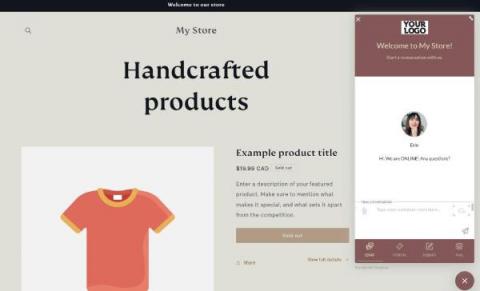
Shopify is a popular e-commerce platform which allows companies to create online storefronts even with limited tech know-how. OneDesk is an all-in-one work management software. With OneDesk, you can manage multiple aspects of your business, from multi-channel customer support, to employee time tracking and project planning. Open communication channels for your customers and prospects by integrating your Shopify store with the OneDesk customer applications.

Integrating OneDesk with Wix

Wix is a popular website builder which allows anyone to build beautiful pages with templates and other ready-made elements. OneDesk is an all-in-one work management software. With OneDesk, you can streamline and manage multiple aspects of your business, from customer support and task management to time tracking and invoicing. Open communication channels for your customers and prospects by integrating Wix with OneDesk’s customer-facing applications.

Create a Customer Service Knowledgebase

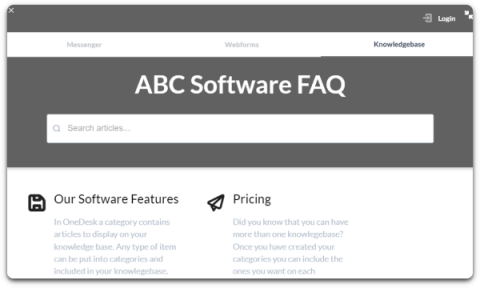
A customer service knowledgebase is a hub of information for your customers. It is considered an essential self-service option for companies of any size or industry. A knowledgebase (KB) will include answers to common questions about your products or services. It might also include detailed guides on how to solve issues or perform actions. A KB can be a helpful tool from the agent perspective as well. For instance, agents can consult articles to provide accurate answers.