Are there times when you feel like your Customer Service team is under appreciated for the work you do? Perhaps your team members have spoken openly about not getting the credit they deserve. Sadly, it’s not uncommon for Customer Service teams to feel like they’re working extremely hard without getting the same recognition that others parts of the business do. *Cough cough* Sales. *Cough cough* Marketing. *Cough*. On one level, you could write it off as paranoia.
As a Customer Support leader you know that reporting on your team's KPIs is a crucial part of maintaining excellent standards in customer service. For many Support teams, reporting usually takes the form of a weekly or monthly update, which helps you reflect on what is and isn't working, so you can focus your efforts in the future. But should your reporting go one step further? Should you also be utilizing the power of real-time data?
Having spoken one-to-one with what must be hundreds of Geckoboard customers over the years, it's safe to say; when it comes to aligning a team around KPIs - especially when it’s their first time doing this - building dashboards is often the easy part. How you and your team use them day-to-day; that’s often where things can become unstuck.
Jump to... What are performance snapshots? Four performance snapshot examples How to automate performance snapshots with Geckoboard It’s often challenging to keep agents and stakeholders in the loop with what’s happening in your Zendesk account.
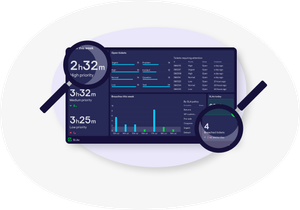
For most Customer Support teams, keeping tabs on your Service Level Agreements (SLAs) is a huge priority. However, if you're using Zendesk, you might find that their standard reporting tools like Zendesk Explore don't always make it easy to see which tickets are about to breach their SLA, or how you are performing against your SLA targets in general.