Teams | Collaboration | Customer Service | Project Management

Aligning, deciding, and building toward better outcomes

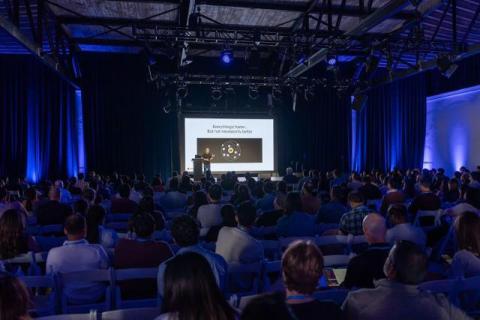
If agents write the evals, draft the specs, and run the loops, what work is left for a product manager? One answer I keep seeing online is that product writes the evals, approves the agents, orchestrates the loops, and picks one at the end. At ProductCon San Francisco, I made the case that product’s role is much bigger: deciding what’s worth building and bringing a team along, which is especially important as agents accelerate building.
4 Miro AI Time-Savers Every Designer and UX Pro Should Know

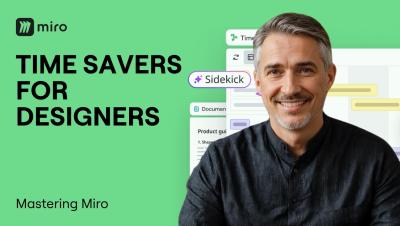
Designers and UX pros spend too much time synthesizing research and mapping flows manually. In this video, we cover four AI-powered time-savers built for design workflows: summarizing user research instantly, turning insights into a structured repository with Miro Tables, visualizing user flows without drawing a single shape, and automating the entire research-to-direction process with Flows. From discovery to design direction. Without the busywork.

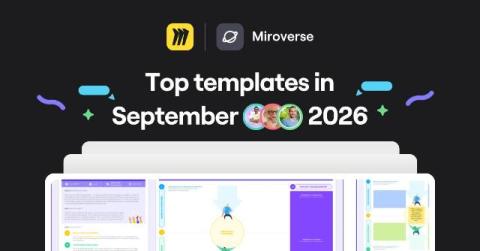
New Templates in Miroverse: September 2026

In September, our community published around 100 new templates: stakeholder maps and OKR trackers sat alongside accessibility checklists, strategic roadmaps, and a wave of templates landing in Spanish, Portuguese, and French. The throughline for the month was AI finding its way into everyday workflows – Miro Flows and Sidekick-powered boards built for use case ideation, risk brainstorming, and keeping AI-assisted projects on track.

Martin Szugat Turned an AI Strategy Into Software with Miro

That place where company strategy decks go after everyone has finished presenting them? Martin Szugat calls it the “SharePoint graveyard.” As the founder of Datentreiber, a data and AI consultancy, Martin wanted to make strategy useful long after the presentation. So he built a workflow in Miro that takes a company strategy deck, extracts its objectives and key results, and turns them into prioritization criteria stakeholders can vote on.

Miro AI Features That Save Hours of Work

Miro AI is more than a chatbot. It lives directly on your canvas and can generate Flows, Sidekicks, Prototypes, Docs, Diagrams, Sticky Notes, Tables, Images, and Mind Maps from simple prompts. In this video, we walk through every Miro AI capability so you know exactly what to reach for and when, whether you are running a sprint planning session, turning customer interviews into briefs, or generating an interactive prototype from a sticky note.

When anyone can be fast, what are you actually selling?

Debbie Levitt, CXO of Delta CX, refused to bring AI into her work for a long time. Three years ago she tested the tools, found they couldn’t think critically or get basic facts right, and kept them out of her process. A year later, despite her initial disappointment, she decided to run an experiment based on her real work, and was amazed by the results.

AI Enablement in the Wild: Idea to Dev-Ready Story

Most "AI transformation" conversations stop at strategy. The harder problem is what actually changes in how a team works day to day. In this episode of Miro Reframe, Josh Guice — Principal Architect at Liatrio — shares a year of real field notes from AI enablement engagements: watching product managers shape ideas before engineering ever sees them, replacing slide-deck training with pairing and teach-back, and learning that no workflow sticks unless the team structure around it changes too.

19 million tool calls and counting: who's using Miro's MCP server

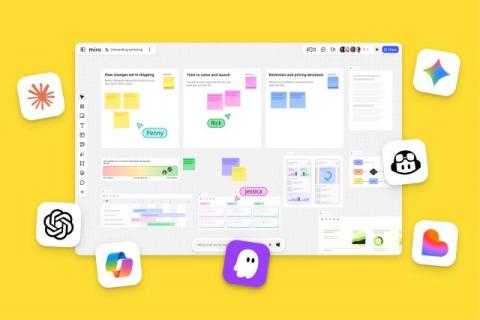
AI agents have made more than 19 million tool calls to Miro’s MCP server since February 2026, and the users behind them span product, design, marketing, operations, and project management. When we launched Miro’s MCP server in February, we had AI coding tools in mind.

Inside One Founder's AI Product Copilot, Built on Miro MCP

Leandro Barreto didn't set out to build a company. He set out to help his son. As a solo founder, Leandro built Epilog, an epilepsy tracking app, almost entirely with Miro as his AI product copilot. He started with sticky notes and a rough idea on a Miro board, then connected Miro MCP directly to his IDE so his AI coding assistant could pull the data model straight off the board. From there, the same AI reviewed the architecture like a solution architect, caught duplicated data and missing entities, and turned the fixes into a 22-item project roadmap.

The smallest team that can actually do the work

Josh Guice, Field CTO at Liatrio, says he can usually tell within the first few conversations whether a client’s AI rollout is actually working. Two or three people are quietly doing something impressive with it. Everyone else is stuck, spending more time wrestling with the tools than they used to spend on the work those tools were supposed to replace. He compares it to dropping a new graphics card into an old motherboard. The card itself is fine.

AI sharpens the individual. Does it dull the room?

Individual AI adoption has outpaced our ability to redesign how teams actually work together. The numbers back it up. In Forrester’s “The Visual Era of Collaborative Intelligence”, 89% of leaders say improving collaboration is key to hitting their organization’s goals – yet 75% agree most AI tools are built for individual, not team productivity, and 39% say that individual-first bias is actively hurting their AI ROI.

Claude + Miro MCP in Action: AI-Run Strategy Workshops

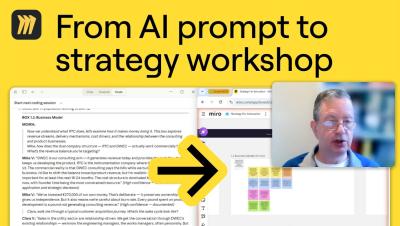
David Balkind runs strategy workshops without booking a room full of people. As a Specialist Innovation Advisor, David built what he calls a Strategy Café Engine — a setup where Claude, connected directly to his Miro board through MCP, runs full multi-session strategy workshops. Claude plays the facilitator (David calls it MOIRA), works through a structured innovation canvas box by box, and models different stakeholder perspectives — founder, funder, customer — to pressure-test the strategy from every angle. David checks in at key checkpoints while the canvas builds itself live on the board.