Introducing Slack Code, where your team and AI agents build together, out in the open. Watch what it can do and start shipping real work in Slack. Building just became a team sport.
You installed the Slack CLI. Now what? The command slack login connects it to your workspace in seconds. No workspace yet? The Slack Developer Program gives you a free sandbox to build in.
If you’d rather spend your day building features than manually pushing updates, this episode’s for you. We’re putting your hosted Bolt app on autopilot using GitHub Actions and Railway. You’ll see how to securely stash your Slack tokens in GitHub, trigger an automated build, and deploy live app changes just by pushing code. Once it's set up, you'll never have to deploy manually again. Class dismissed!
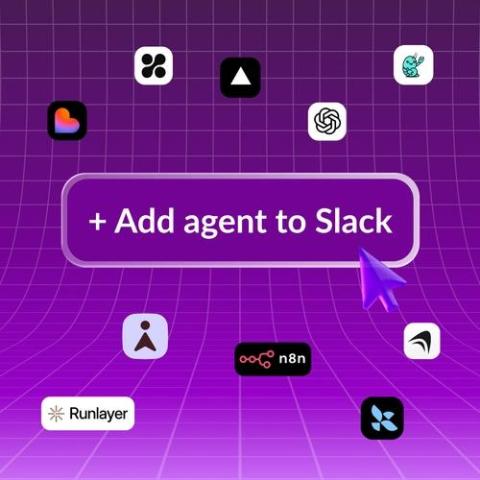
We’re excited to make it possible for anyone to be a builder on Slack with the launch of Add to Slack, an enterprise-grade deployment path built alongside 10 leading AI creation platforms, including Hyperagent, LangChain, Lovable, n8n, NanoClaw, OpenAI, Runlayer, Skydive, Superhuman and Vercel. Add to Slack is a secure, one-click bridge embedded inside your favourite agent builder tools.
You built a shiny new Slack app. Now it just needs a place to call home. Building on what we made in the last episode, we’ll show you how to host your app on Railway, link it back to Slack, and set up your credentials and environment variables step-by-step. By the end, you’ll have a live Slack app ready to test right inside your workspace. Class dismissed!
Need a workspace to build your Slack app? The Developer Program gives you a free sandbox so you can prototype and test the latest Slack platform features.
Ready to take your custom Slack app off your screen and out into the wild? In this episode, we'll show you how to clone a Bolt app from GitHub, install what it needs to run, and lock down your settings safely. Then, we'll wrap the whole thing inside a tidy Docker container so your app is travel-ready and prepared to host wherever you like. Class dismissed!